 What's Now Playing
Real-time music charts from streaming communities
Vinyl. CDJs. Any setup.
If it plays music, EarShot can track it.
macOS · iOS · watchOS · Android
30-day free trial · $9.99/year
Download on the App Store Get it on Google Play (Beta)Yes, it's basically Shazam. But Shazam just tells you the song name. EarShot identifies the track and automatically sends it to your What's Now Playing client so your overlays update, your setlist logs it, and your charts track it. No tapping. No copying. Just play.
What's Now Playing works great. Until it doesn't. If you spin vinyl, run a standalone CDJ setup, or use hardware that WNP can't read, EarShot fills the gap.
Uses Apple's Shazam technology to identify tracks from audio. No software integration required. If it makes sound, EarShot can identify it.
Vinyl decks, standalone CDJs, mixers, and analog gear: setups that WNP can't read directly are now fully supported.
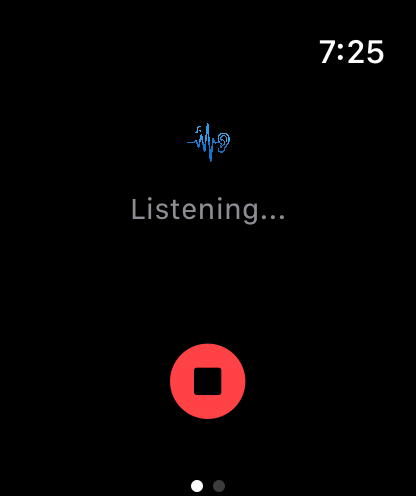
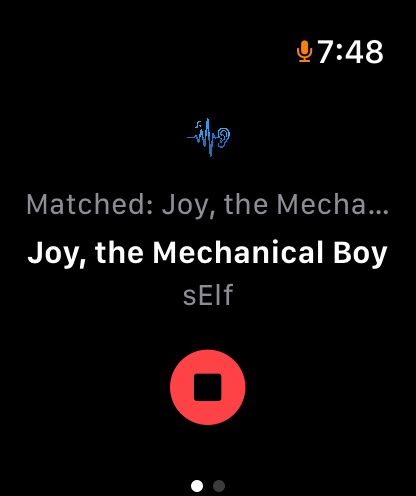
Wear it, forget it. EarShot on watchOS identifies tracks passively while your hands stay on the decks.
Audio never leaves your device. Shazam identification uses an on-device acoustic fingerprint. Raw audio is never recorded or transmitted.
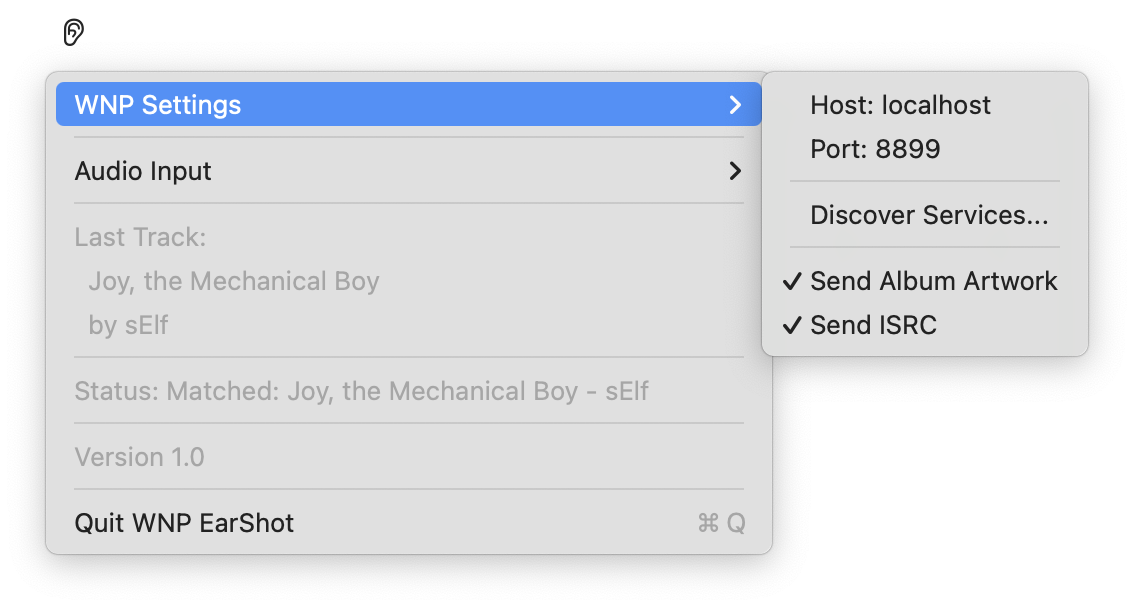
Identified tracks go straight to your local What's Now Playing client, which handles the rest: OBS overlays, Last.fm, charts, and more.
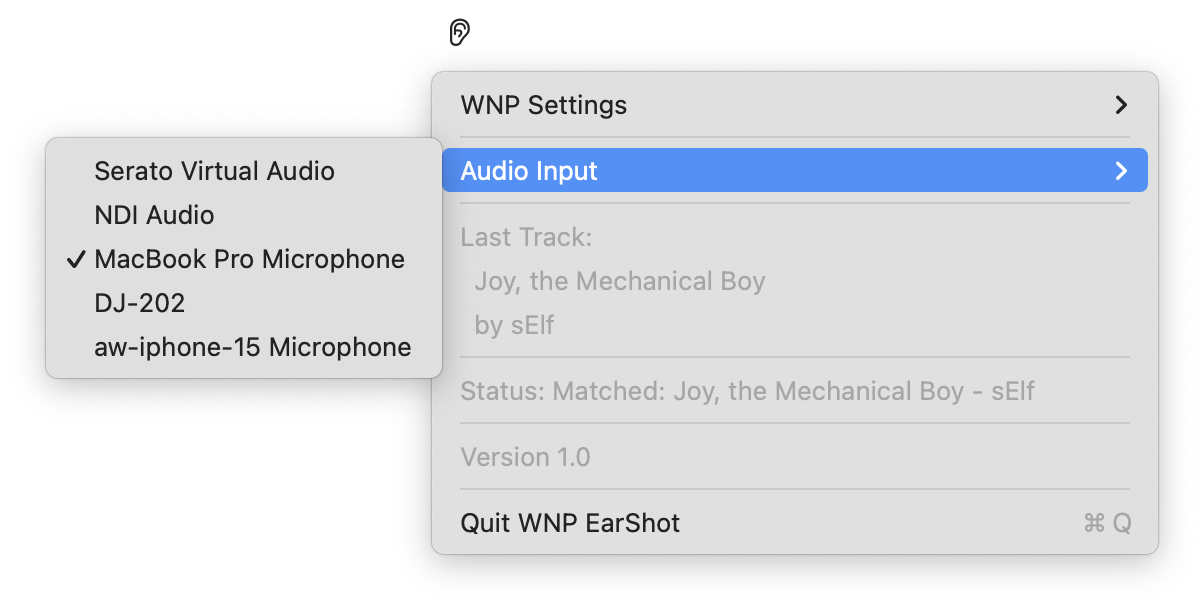
On macOS, choose exactly what EarShot listens to: a DJ controller, audio interface, virtual audio driver, or any other input on your system. No microphone needed.
Menu bar app on Mac. Listen button with configurable auto-stop on iPhone or Android. Hands-free on Apple Watch.
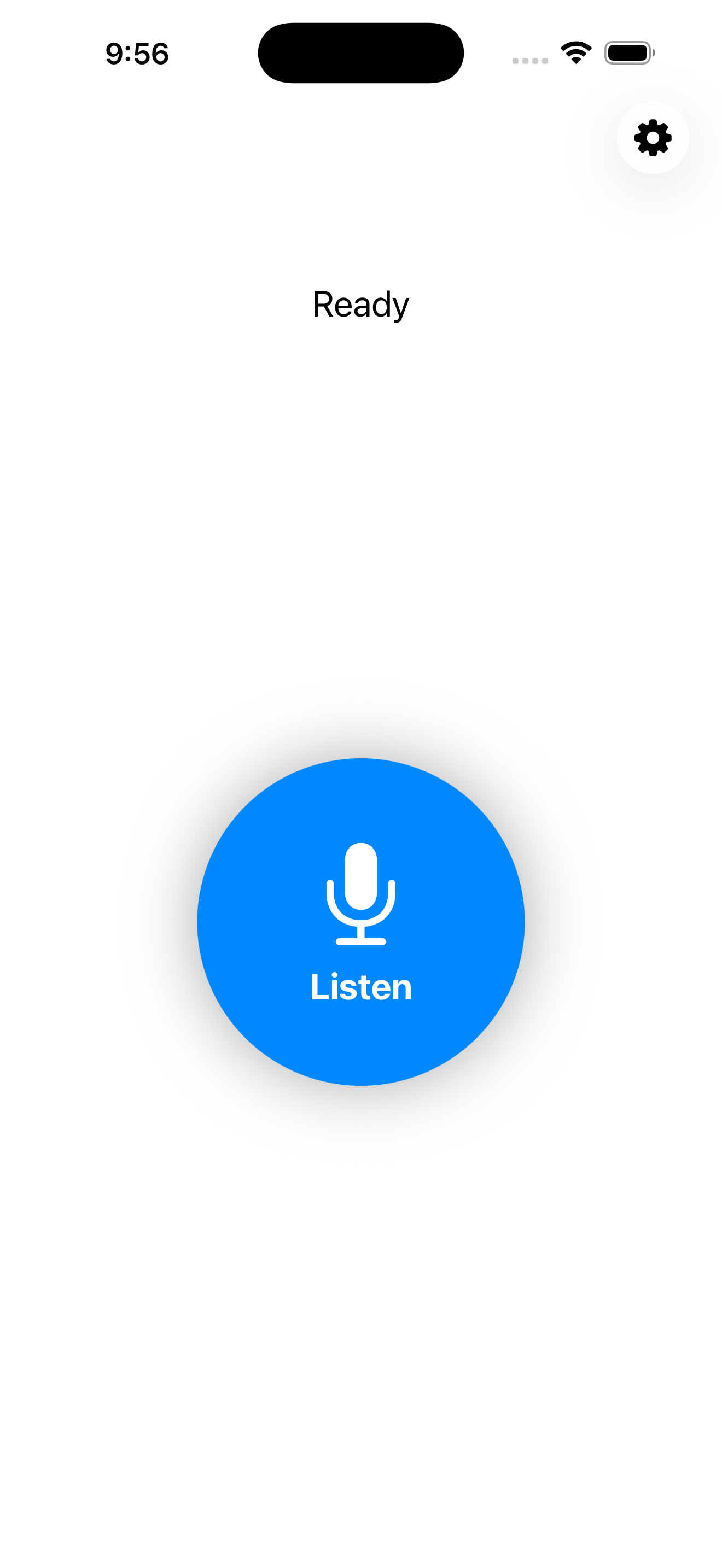
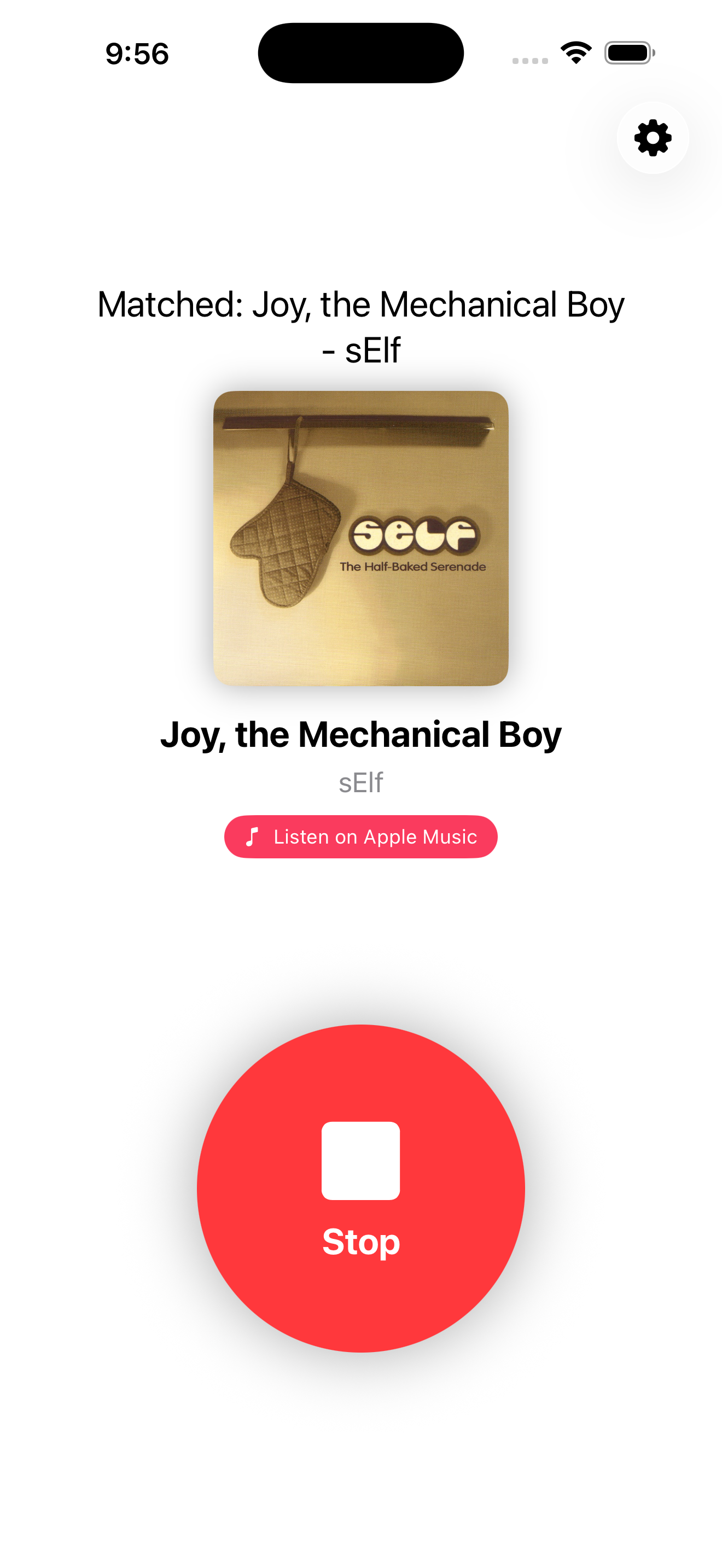
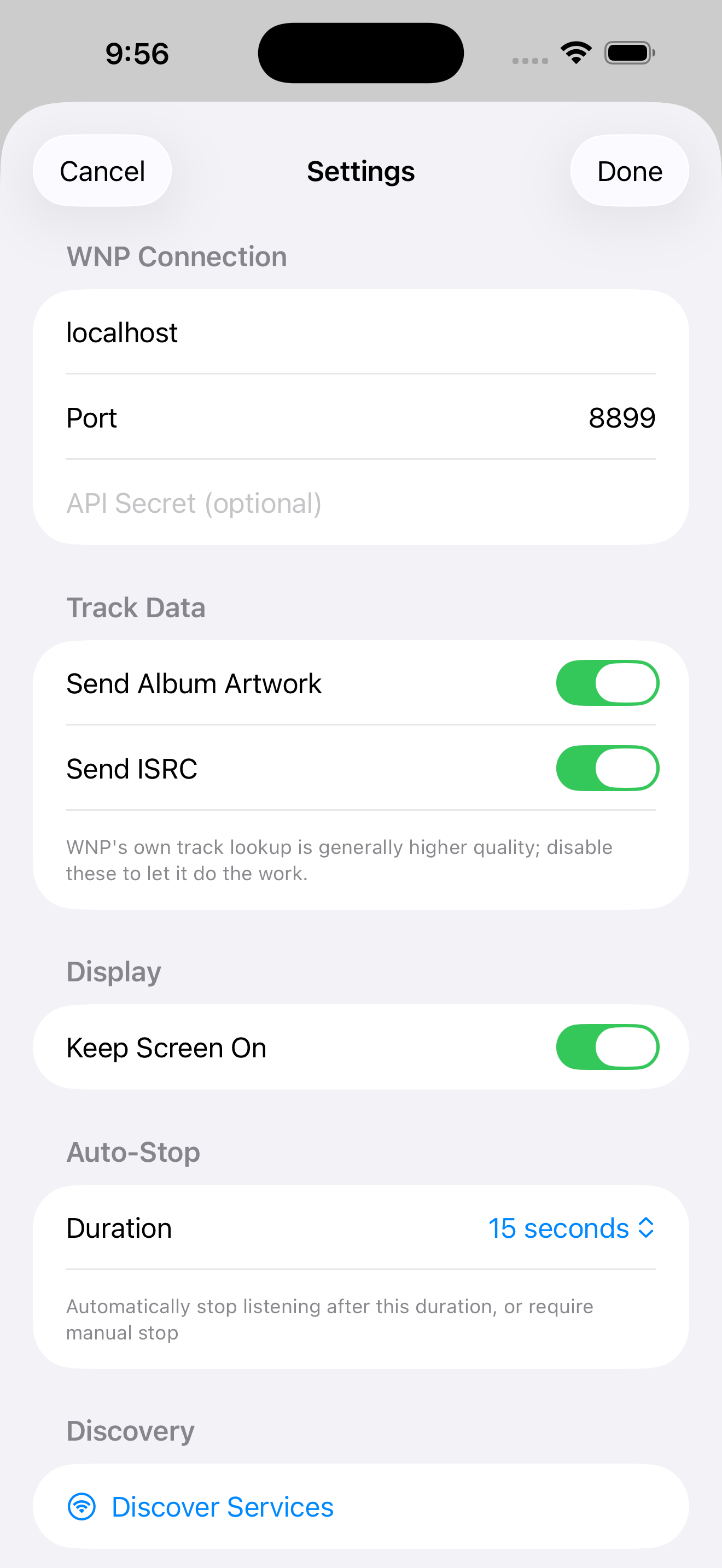
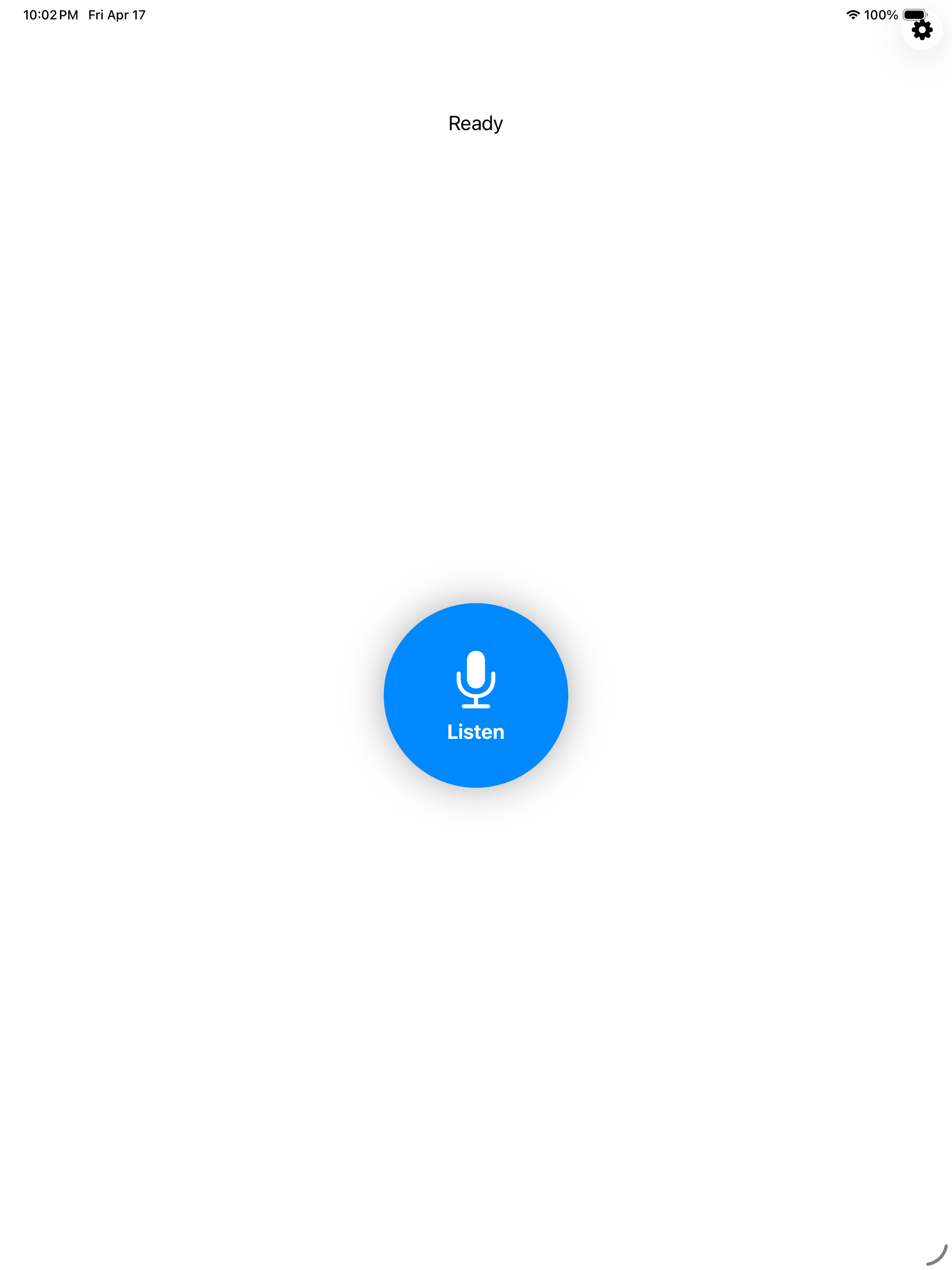
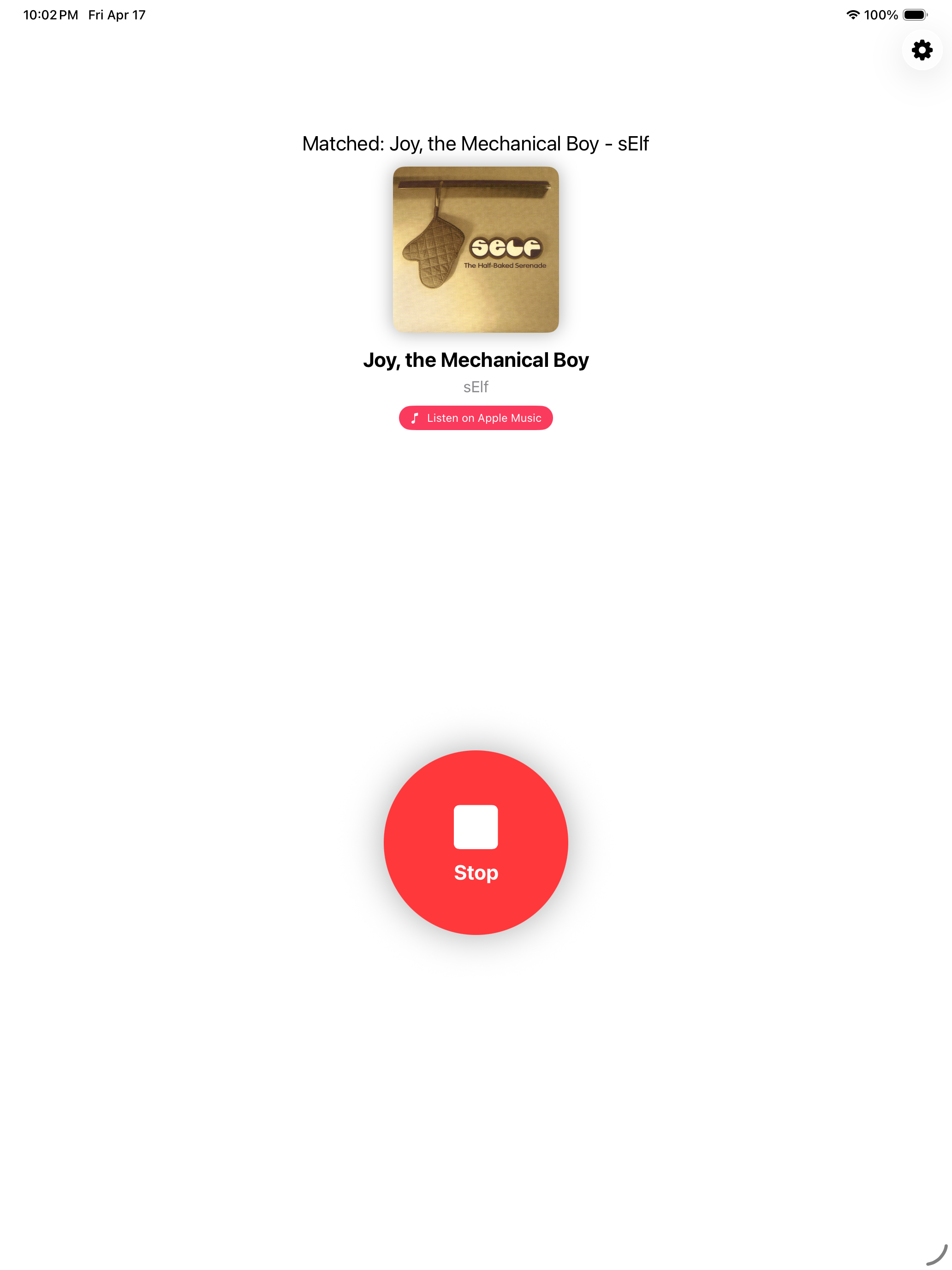
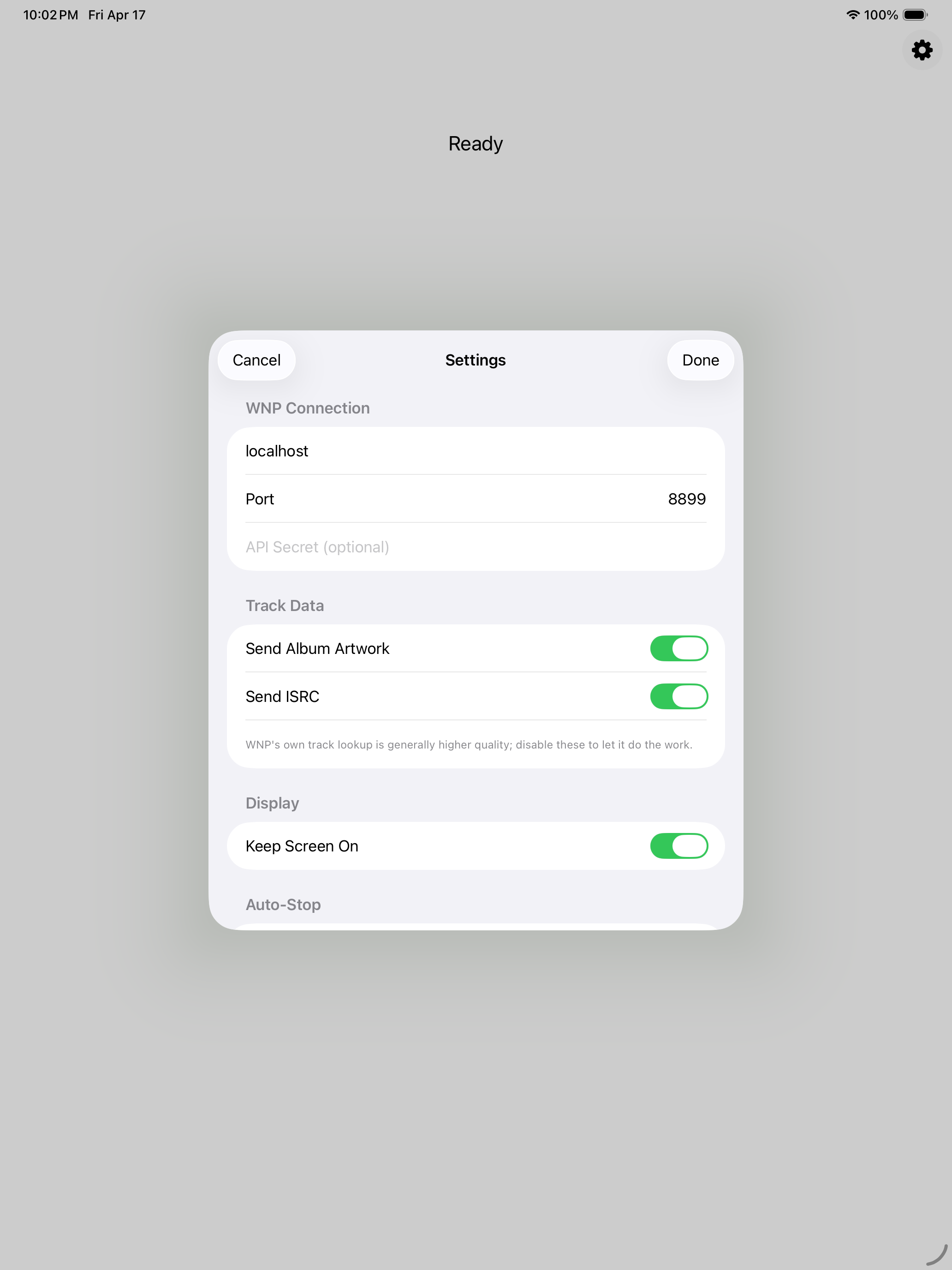
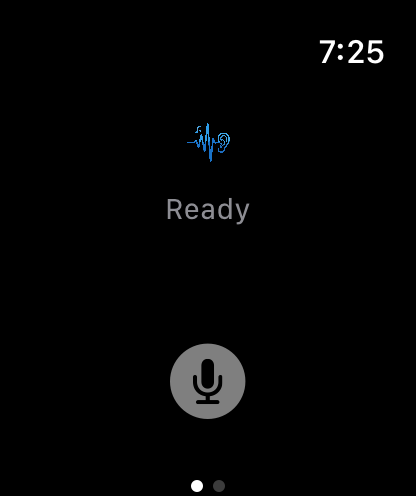
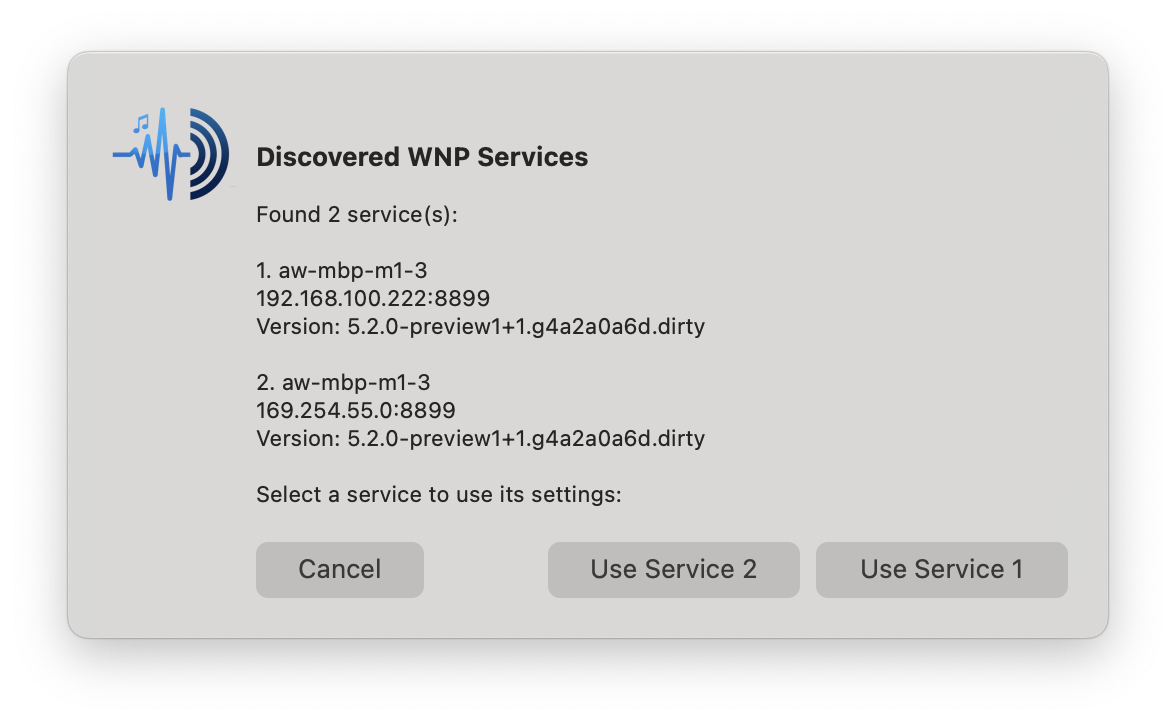
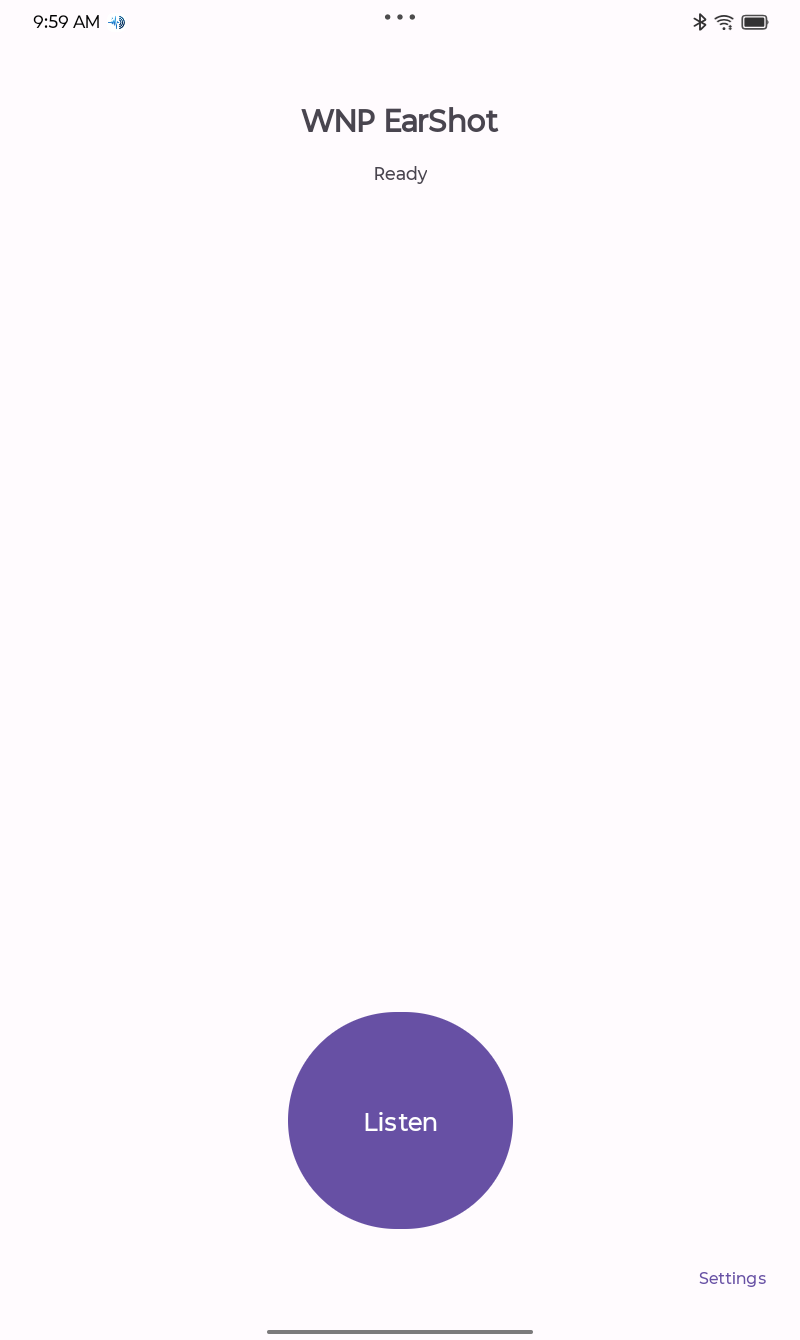
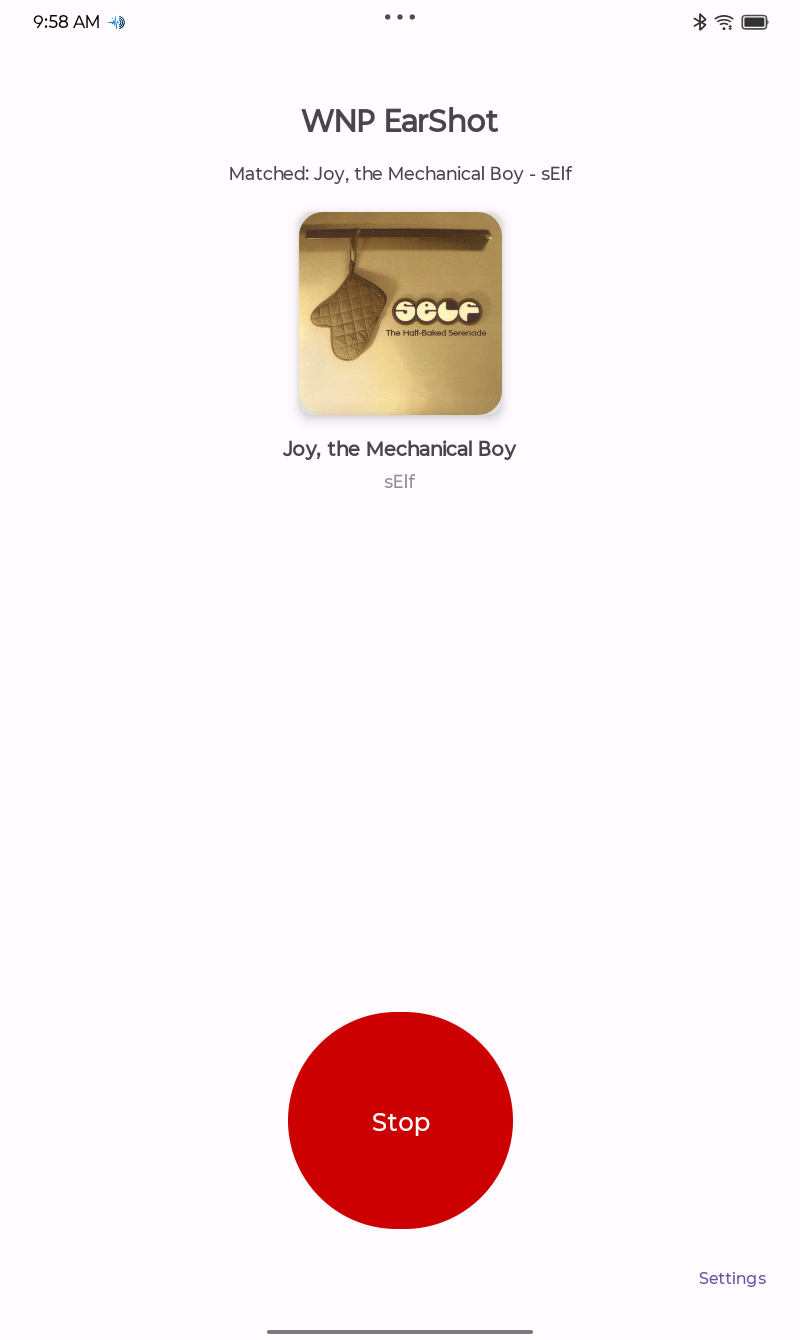
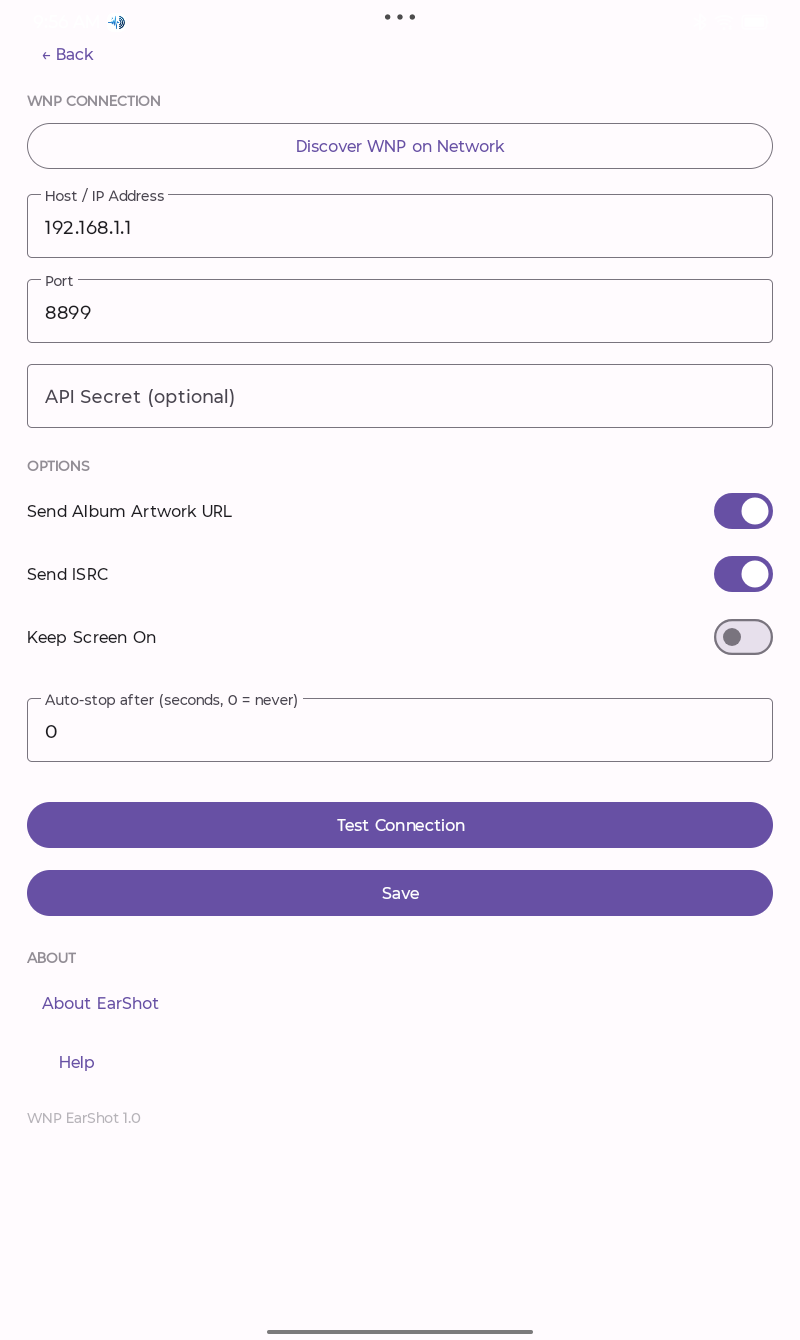
Requires What's Now Playing. EarShot sends identified tracks to the What's Now Playing client running on your Mac, PC, or Linux machine. Requires WNP 5.2.0 or later.
 Twitch
 Kick
Kick